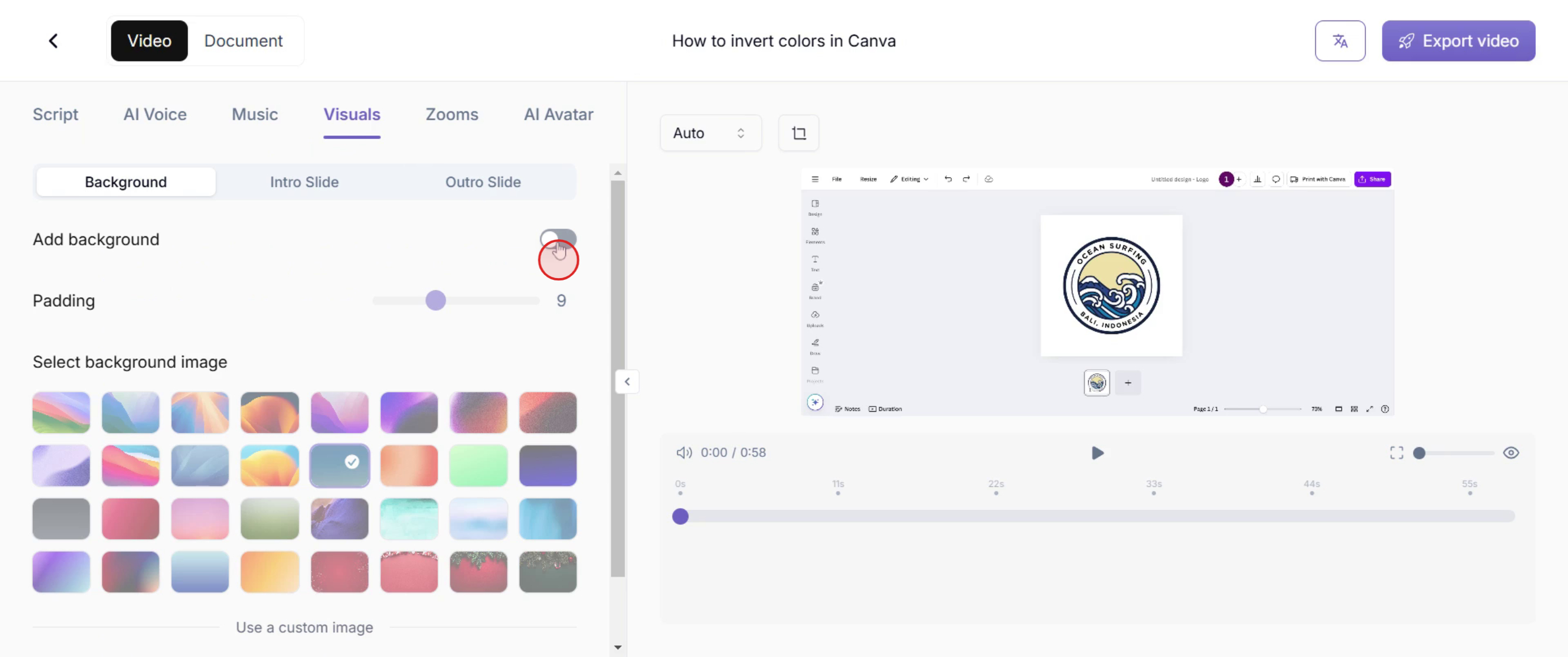
This guide will walk you through the process of adding a background in Trupeer. Now you can customize the background using pre-existing images or by uploading your own. Additionally, you can adjust padding settings to refine the final appearance to your preference.
Step 1: Accessing the Visuals Menu
Find the ‘Add Background’ option and toggle it on.